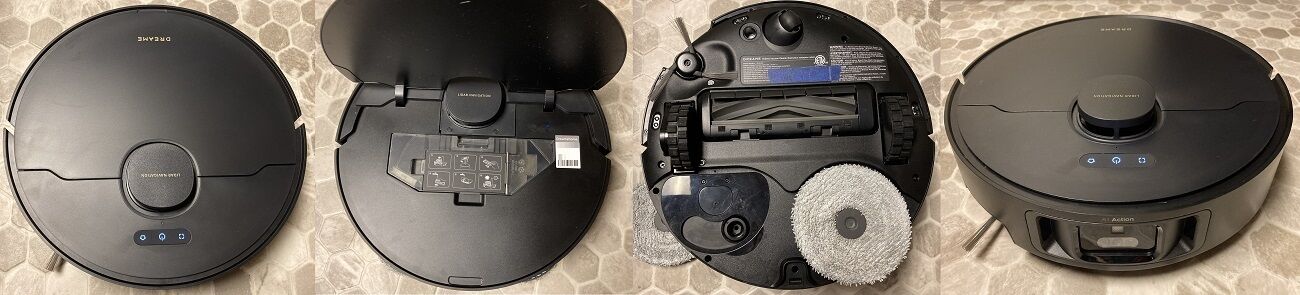
X40 Ultra
Dreame X40 Ultra, dreame.vacuum.r2416, Dreame X40 Ultra Complete (EU version), dreame.vacuum.r2449
Dreame's answer to Roborock leapfrogging them with an extending side brush. Unfortunately came with rushed design decisions and less-than-ideal long-term side-brush-extension performance on high-pile carpets.
Serial number
The serial number is printed on the sticker below the dustbin. Include all lines but exclude anything like "WO:"
Enter the serial exactly as printed, including all lines . Do not add spaces or dashes.
We check the format before queueing anything: the model code prefix, the character set and the length have to match this model. If your serial is rejected, it usually means the sticker belongs to a different model variant - check the aka line above for what this build supports.
Generate an SSH keypair
While you should really generate one yourself using the proper openSSH tools, if you do not care, you can also generate one here.
RSA
Functionally safe choice (3072 bits)
Ed25519
Technically superior, but not supported by ancient bots
Generate & download